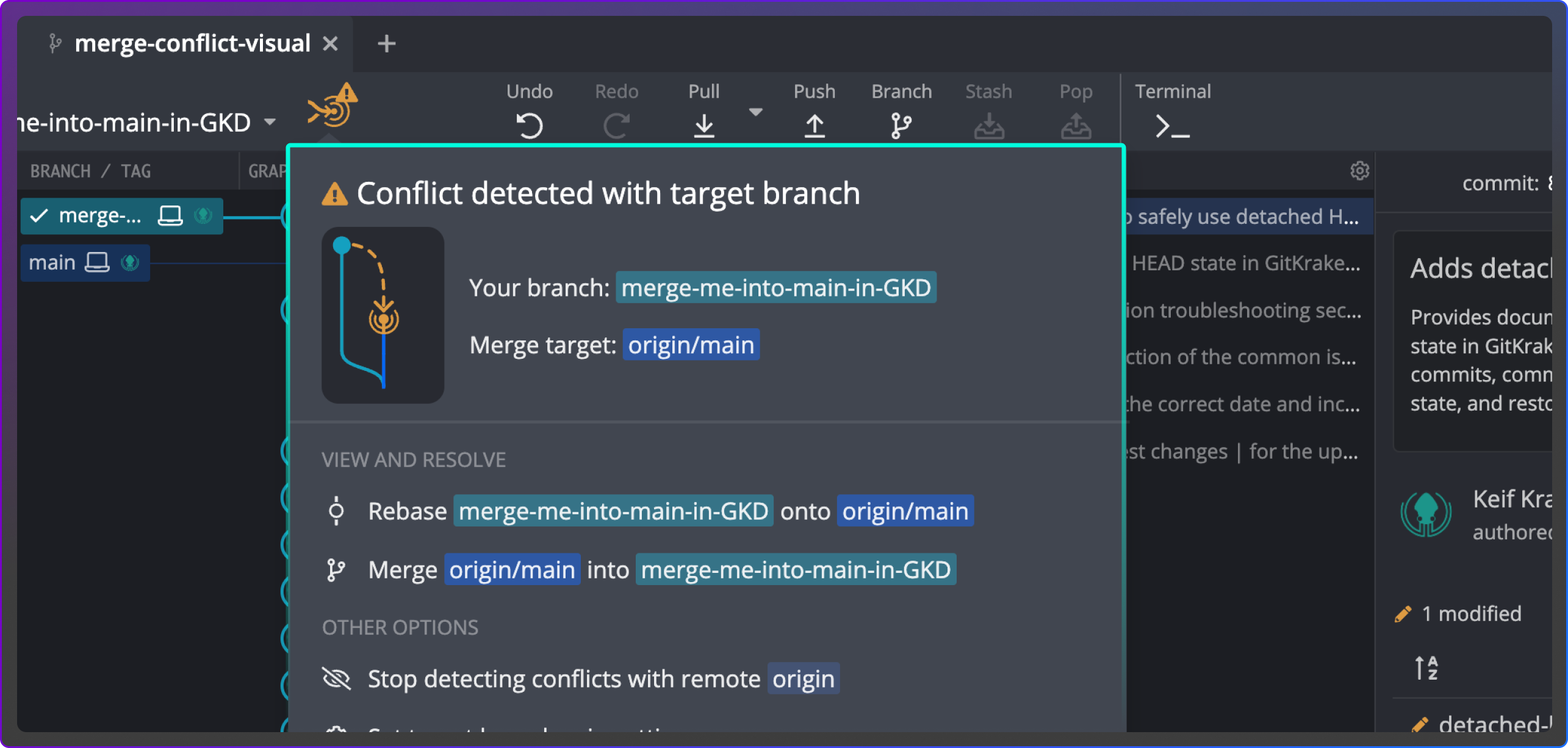
See conflicts early
GitKraken Desktop scans branches and flags overlaps before opening PRs in GitHub, GitLab, Azure DevOps or Bitbucket. 
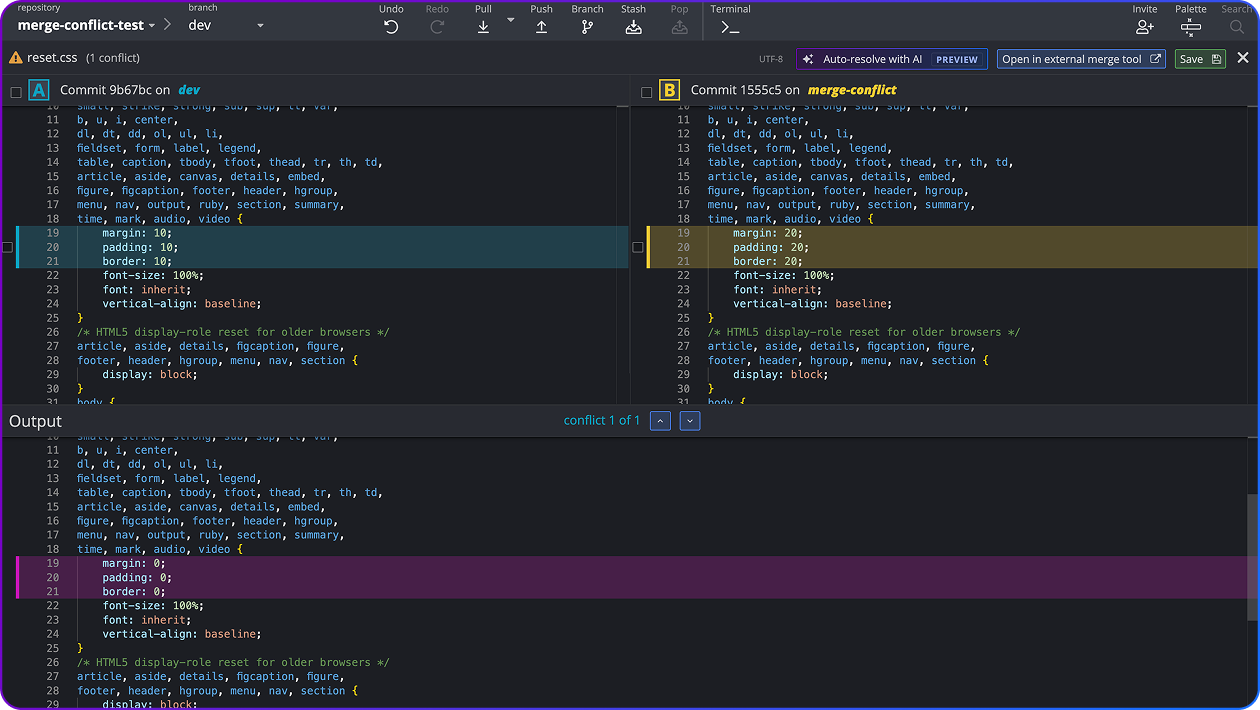
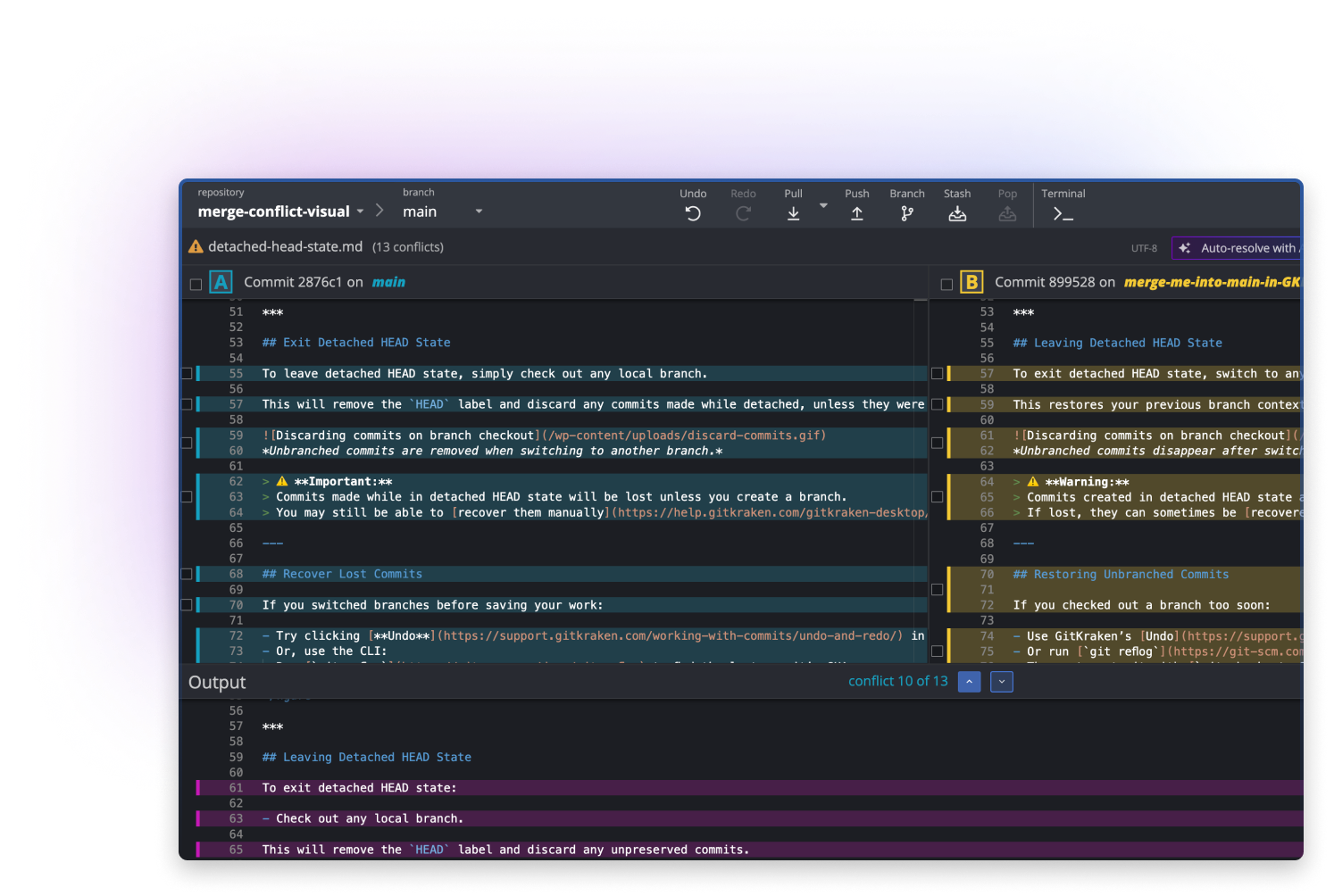
Resolve in editor
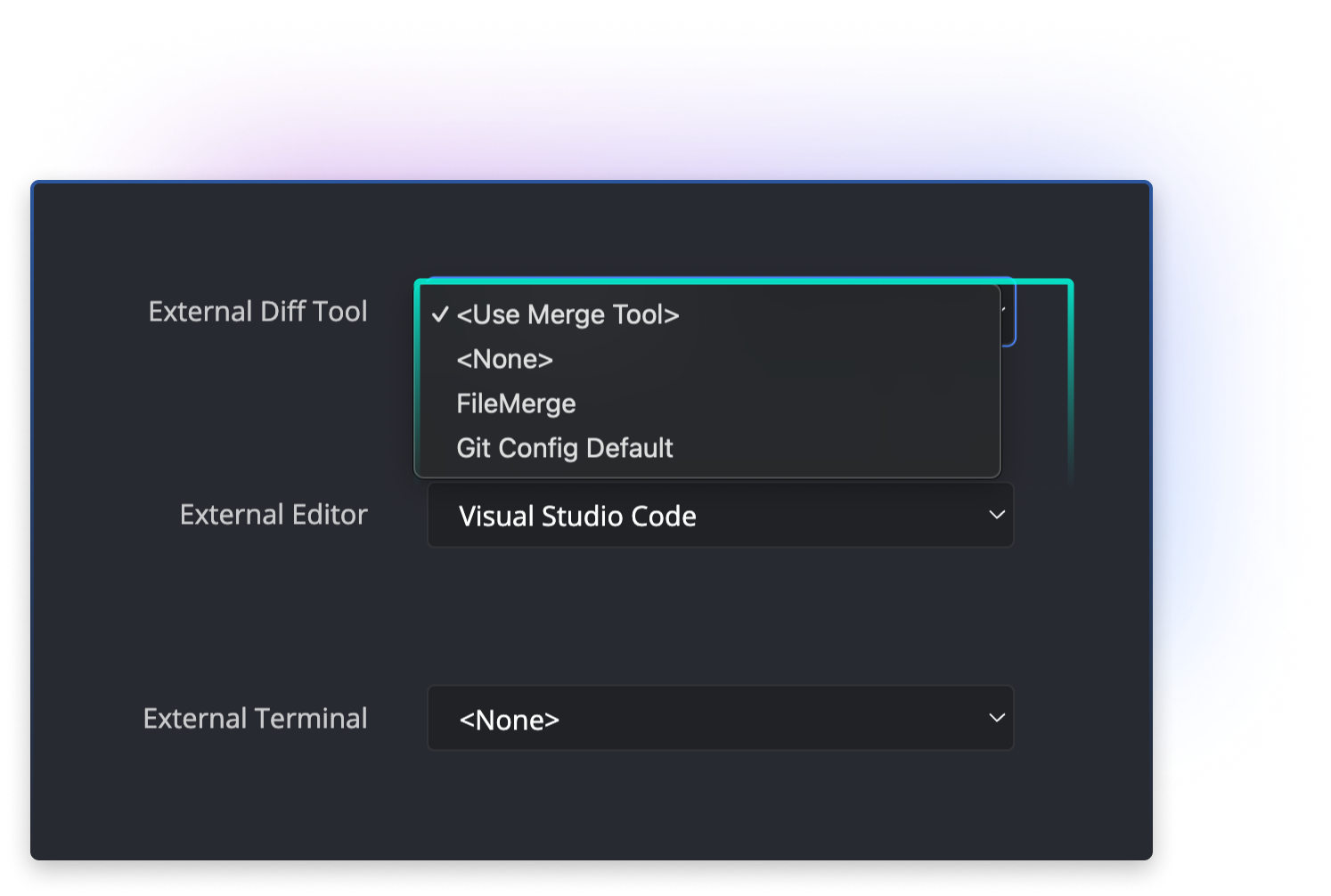
Open the GitKraken Desktop Merge Tool to view branch changes side by side and commit cleanly with confidence. 
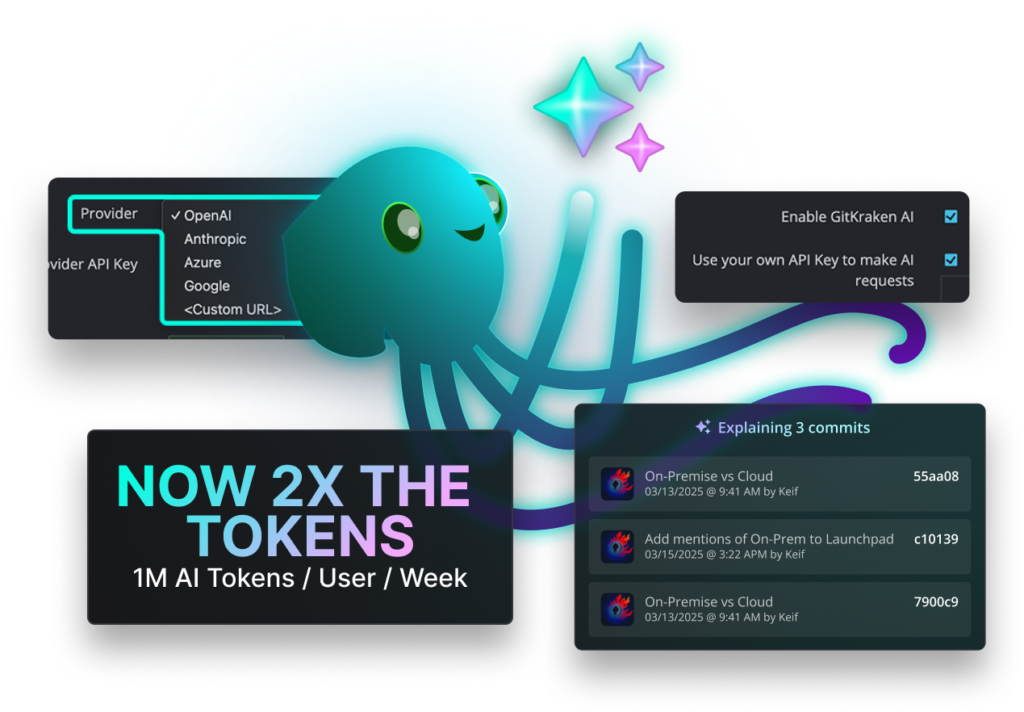
AI assist merge
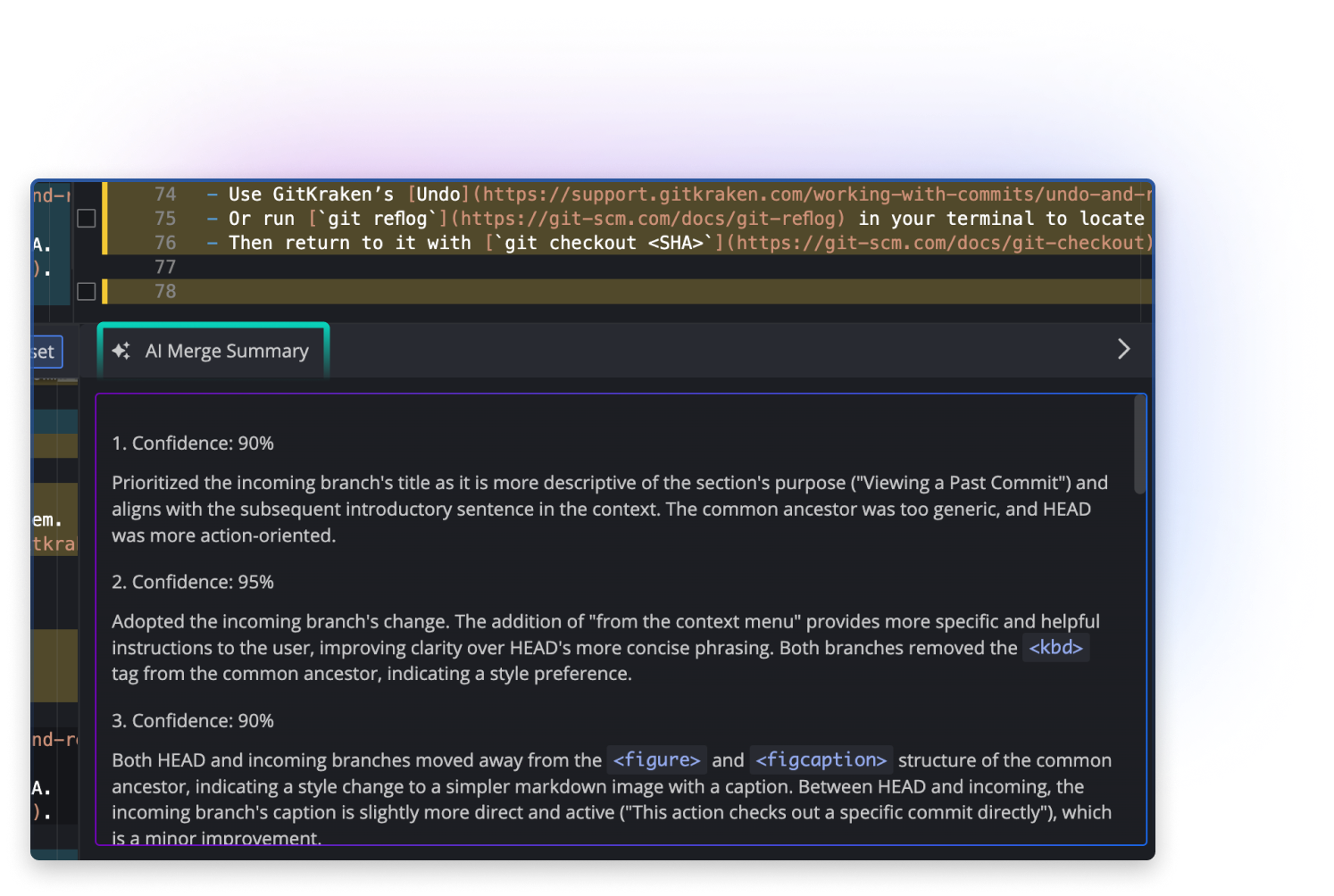
Auto-resolve with AI suggests Git conflict merges with explanations so you stay in control across repositories. 
Share team awareness
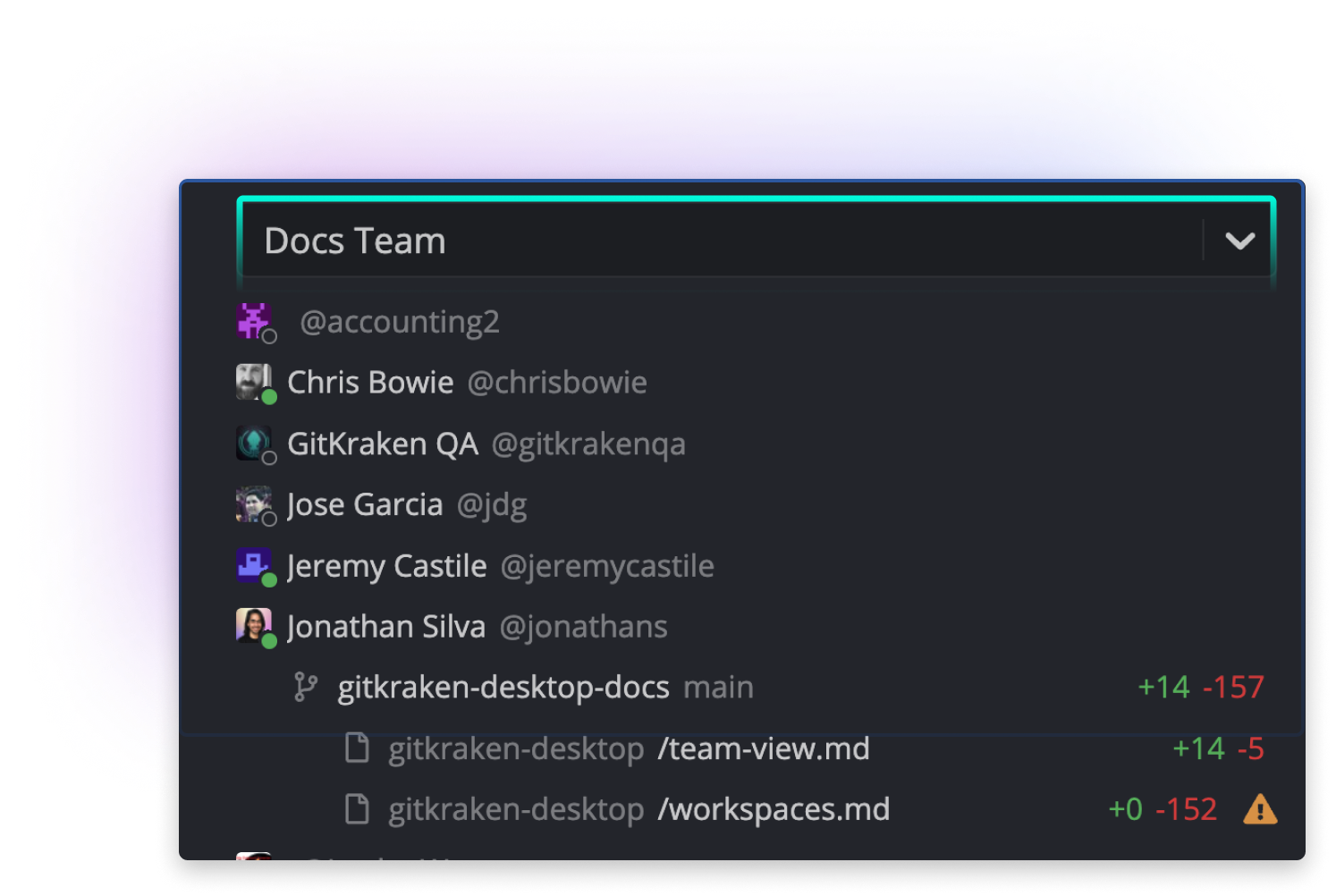
Team View in GitKraken Desktop shows active branches and changed files in your remotes to prevent collisions. 


 Add to Chrome
 Add to Firefox
 Add to Microsoft Edge