

 GitKraken Desktop
 GitLens for IDEs
 Kepler
 GitKraken MCP
 GitKraken CLI
 GitKraken Insights
 Git Integration for Jira
 Dev Team Automations
 AI & Security Controls
 Supercharge Your Dev Team
 Secure Your Dev Team


Get Through The Git Work Between You And Your Next Commit
Clean up a branch, bring over a fix, or pick up another task. Keep the repo context in front of you as you work.

Clean Up A Branch Before Review
Reorder, squash, reword, or drop commits with interactive rebase in GitKraken Desktop. Shape the history before you share it.

Bring Over Just The Changes You Need
Select multiple commits in the Commit Graph and cherry-pick them together. Apply a fix without merging the whole branch.

Work On Multiple Tasks Or Issues In Parallel
Keep different branches checked out in separate worktrees. Move between a feature and a review without repeatedly stashing your work.

See Where Your Agents & Teammates Are Working
Track agent sessions alongside their worktrees, branches, and changes. Inspect what each session is doing from GitKraken Desktop.
Need help sorting a pile of changes? Commit Composer uses AI to organize them into logical commits you can review before applying.
Get 60% off Pro →

Windows/Mac/Linux
GitKraken Desktop
Intuitive Git GUI, powerful terminal, cross-platform support and AI-powered capabilities.


IDEs
GitLens


Agents
Kepler


Analytics
GitKraken Insights


Terminal
GitKraken CLI
See How GitKraken Fits The Way You Work.
Get Pro access across the legendary GitKraken Desktop and GitLens, plus Kepler and GitKraken CLI for agent coordination and powerful Git in the terminal.
Get 60% off Pro →Keep The Stack You Already Use
Connect your repos and issues, use GitLens in your IDE, and keep supported coding agents close to their Git context. Stop the constant context switching with GitKraken.
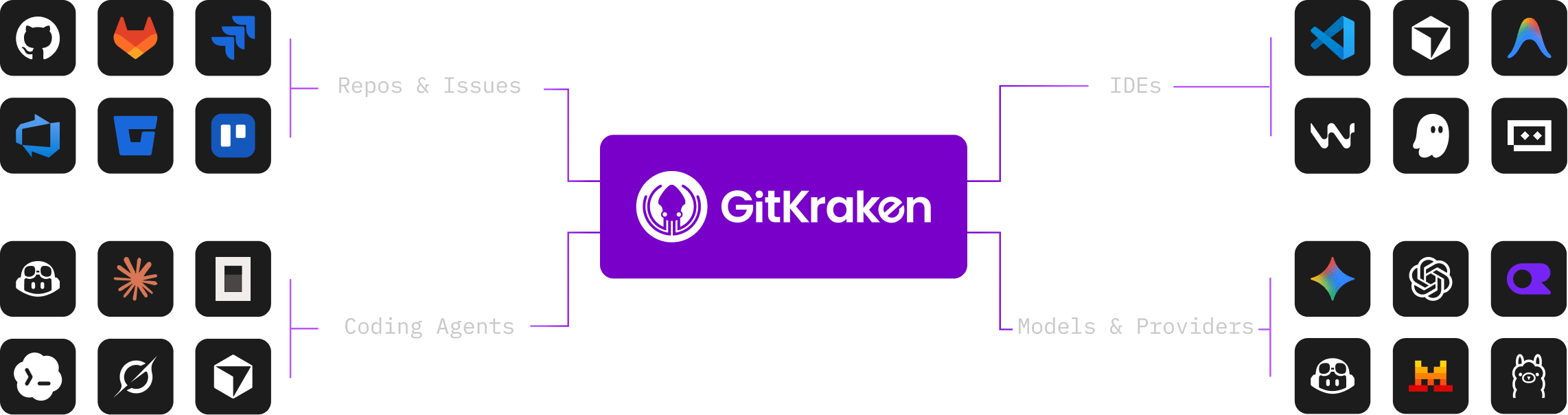
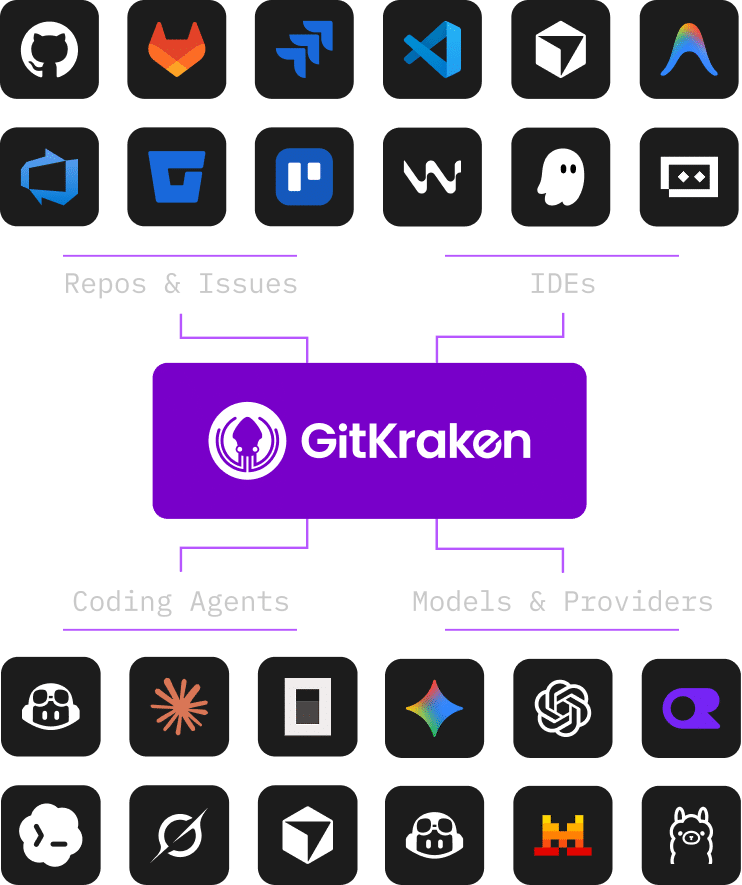
*More integrations are on our product roadmaps. Availability varies by GitKraken product and plan.
Trusted By Devs To Keep Their Code Flowing


“GitKraken Desktop is my daily driver for all source control work.”
Kevin Bost, Senior Software Architect

“...forgot how much i love this tool. Blame, history, context, authorship. It really helps with my... ahem... messy repos.”
@lovedaychey
“@GitKraken I have never been so happy using git in my life. GitKraken makes managing code so easy and lovable.”
@paperstreet
Purchase FAQs
What does GitKraken Pro add?
Pro adds private-repo access and paid GitLens workflows, along with GitKraken AI and cloud issue-tracker integrations. Your subscription covers the GitKraken products you use; feature availability varies by product and plan.
Can I use GitKraken without AI?
Yes. Work with the Commit Graph, interactive rebase, cherry-pick, and worktrees directly. AI assistance is available when you choose to use it.
Does Pro include coding agent subscriptions or tokens?
No. Access to third-party coding agents and models is separate from your GitKraken subscription. GitKraken Pro does include GitKraken AI features like AI Commit Messages, Merge Conflict Resolution, Code Review, and more with dedicated weekly credits.
Who can claim the Black Friday offer?
This offer is valid for anyone who does not currently have a GitKraken Pro subscription.
How long does the discount last?
The discount applies to new seats of a GitKraken Pro plan and is valid for your first year.
When does the offer end, and how do I apply it?
The Black Friday offer ends November 27, 2026, at 11:59 MST. The discount is automatically applied when you click to purchase GitKraken Pro from this page.
Keep Your Code Flowing, Get 60% Off Pro.
Pro includes GitKraken Desktop, GitLens, Kepler ADE & the entire Code Flow platform.
Offer ends November 27.

 Add to Chrome
 Add to Firefox
 Add to Microsoft Edge
