GITKRAKEN AI

Say goodbye to tedious, repetitive Git tasks.

Meet the AI built to assist you, not replace you. GitKraken AI makes Git workflows faster, easier, and more intuitive. Helping you move from idea to commit and from PR to merge with less friction.
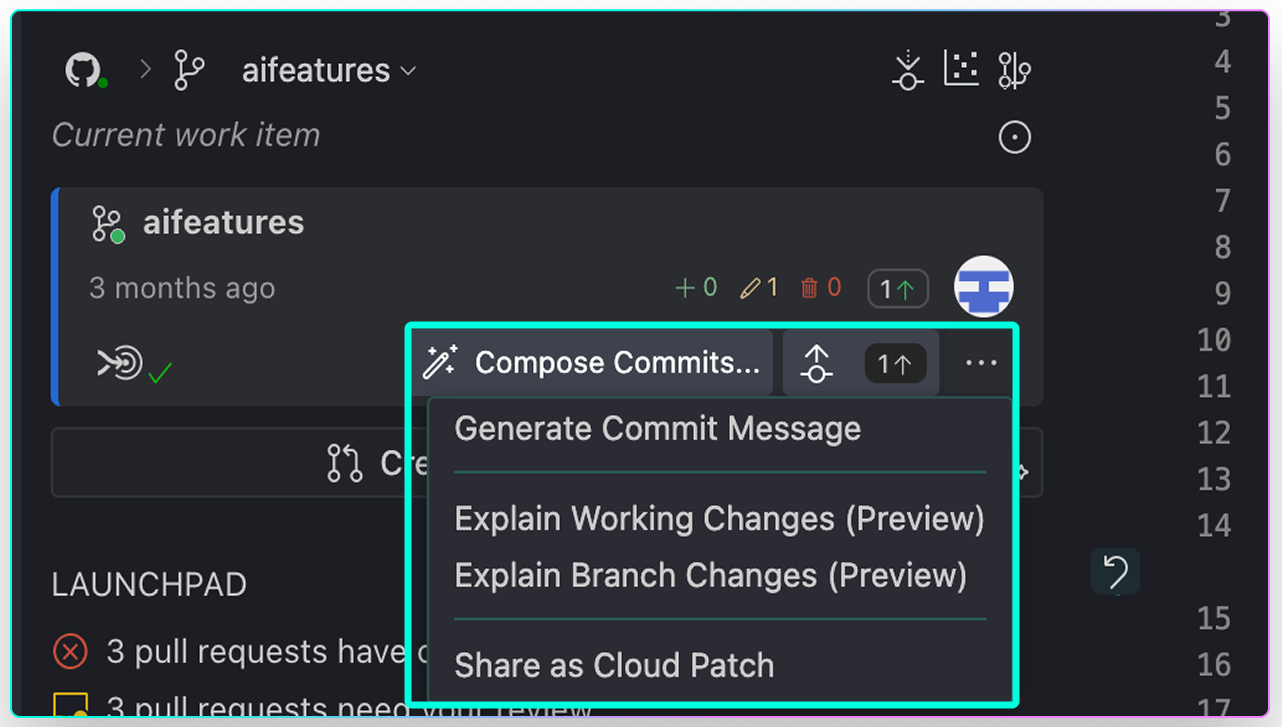
Screenshot of the GitLens Git AI menu showing options to generate a commit message, explain working changes, explain branch changes, or share changes as a Cloud Patch. The current work item is labeled “aifeatures.”

Smarter Git, Less Toil

What GitKraken AI Can Do for You

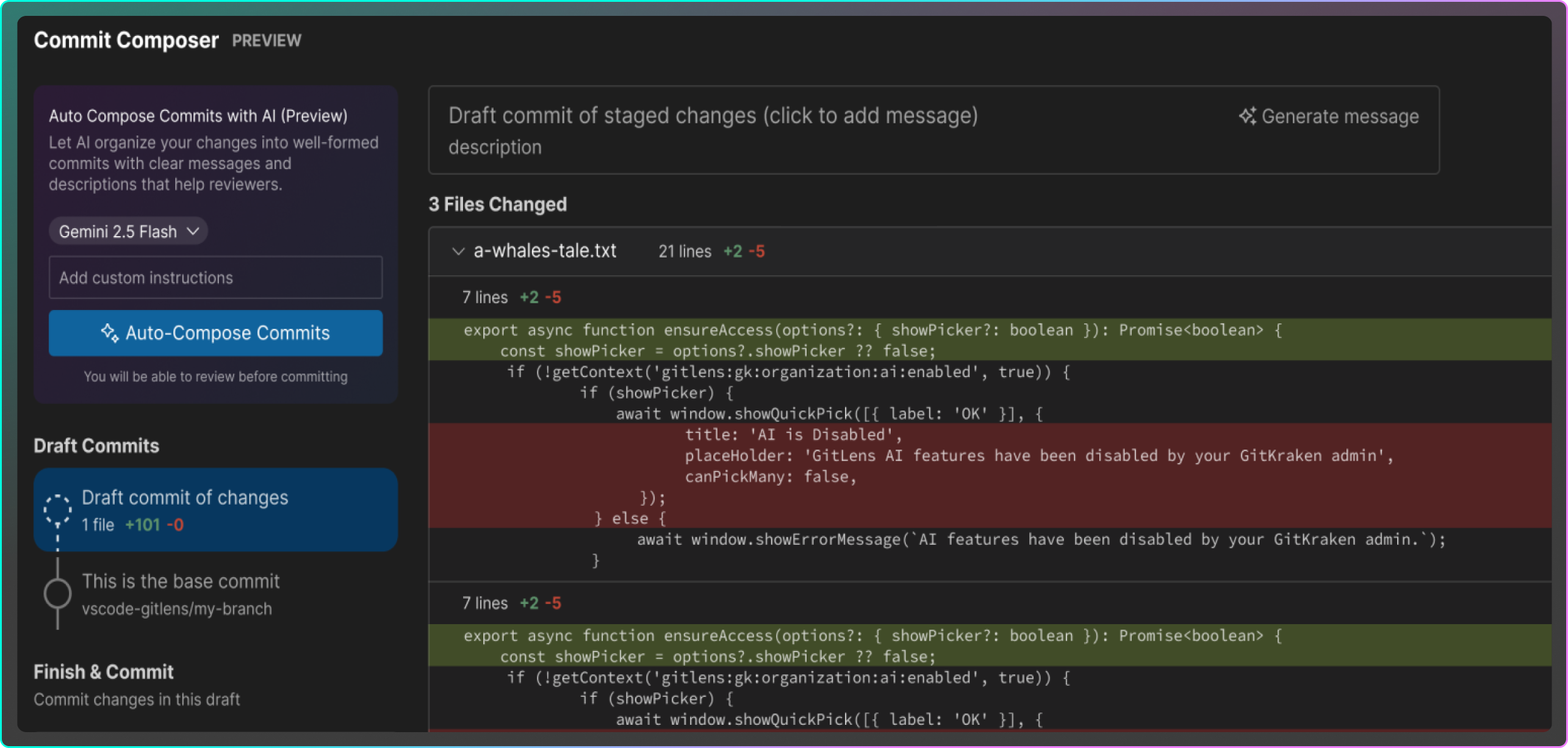
Screenshot of GitLens’ Commit Composer with AI preview enabled. The interface displays staged changes in a file and an “Auto-Compose Commits” button using Gemini 2.5 Flash, allowing users to generate commit messages with optional custom instructions.

Commit Composer

Tired of wasting time on commits? Let Commit Composer analyze your changes, organize them into logical commits, and craft clear, review-ready messages in seconds.

AI-Powered Merge Conflict Resolution 

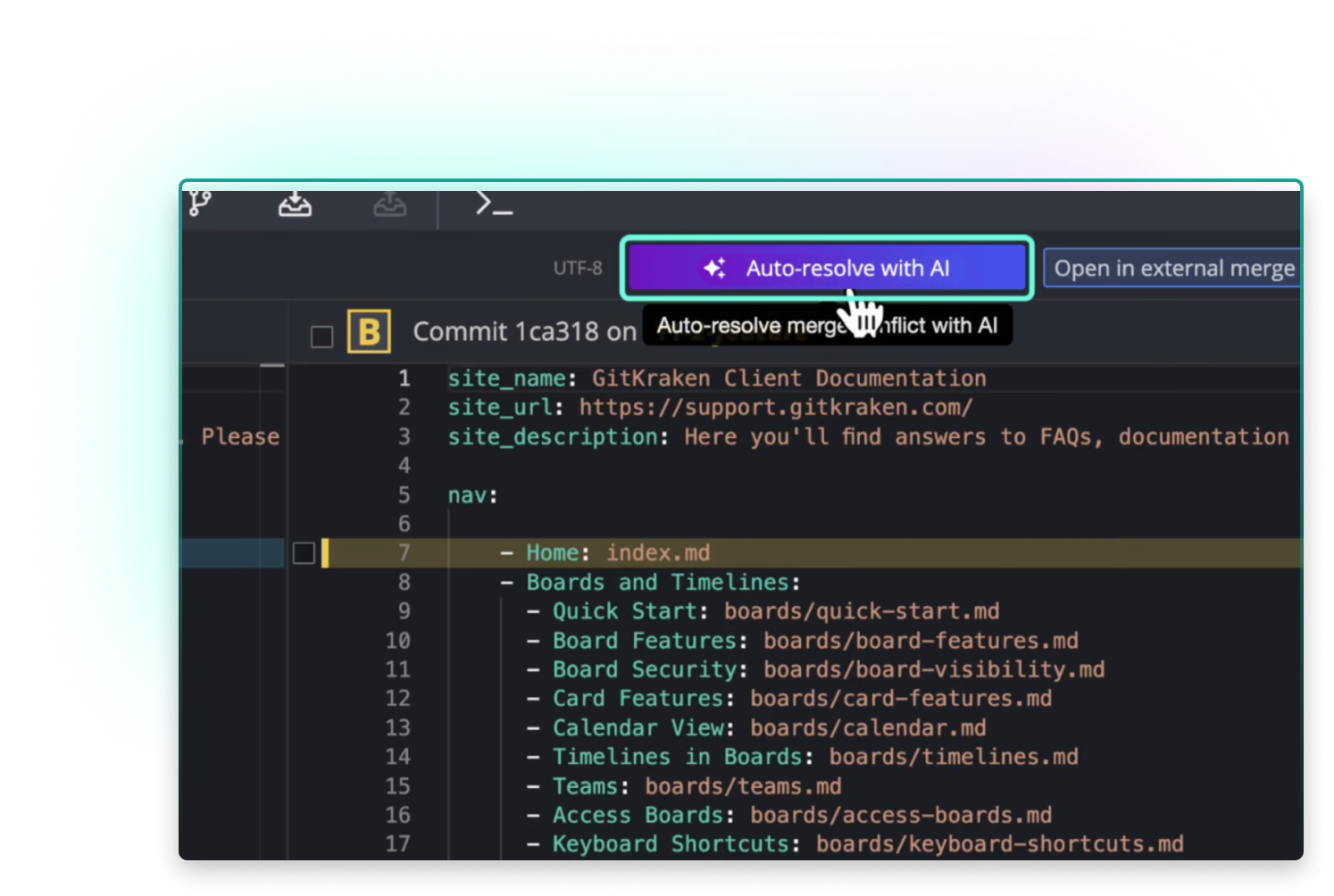
Stuck in conflict hell? GitKraken AI suggests fixes, explains the conflicts, and helps you resolve them with confidence.
Screenshot of GitKraken Desktop showing an AI-powered option to “Auto-resolve with AI” during a merge conflict in a markdown file. The user’s cursor hovers over the highlighted button, indicating AI assistance for resolving merge issues.
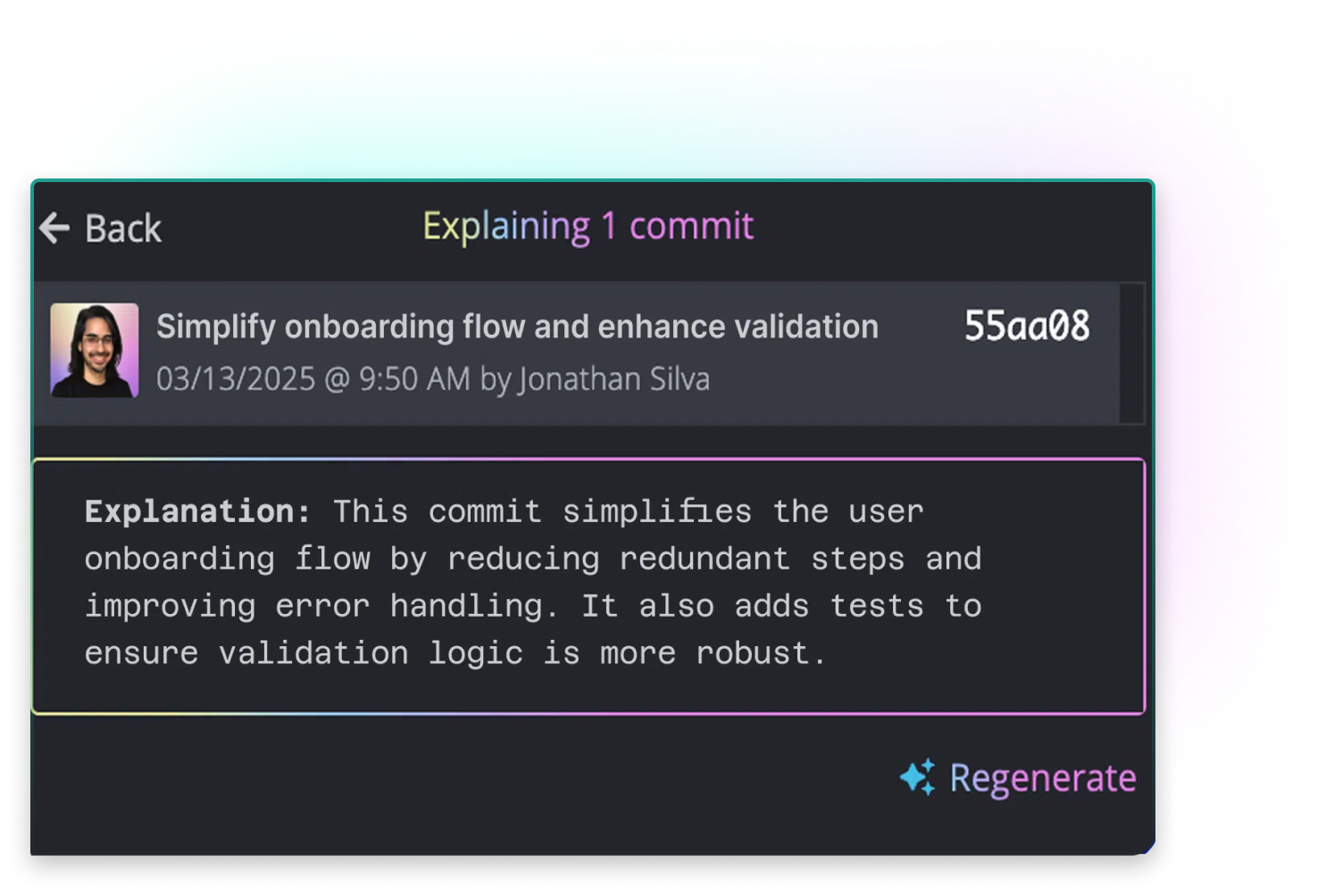
Screenshot of GitKraken Desktop showing an AI-generated explanation for a commit. The commit, titled “Simplify onboarding flow and enhance validation,” is attributed to Jonathan Silva. The AI explanation summarizes the commit’s purpose: simplifying the user onboarding process, improving error handling, and adding validation tests. A “Regenerate” option appears in the lower right for revising the explanation.

Commit & Branch Explanations

Wondering what changed? Get instant, plain-English explanations of commits, branches, stashes, or working changes so you always understand the context.

Content Generation

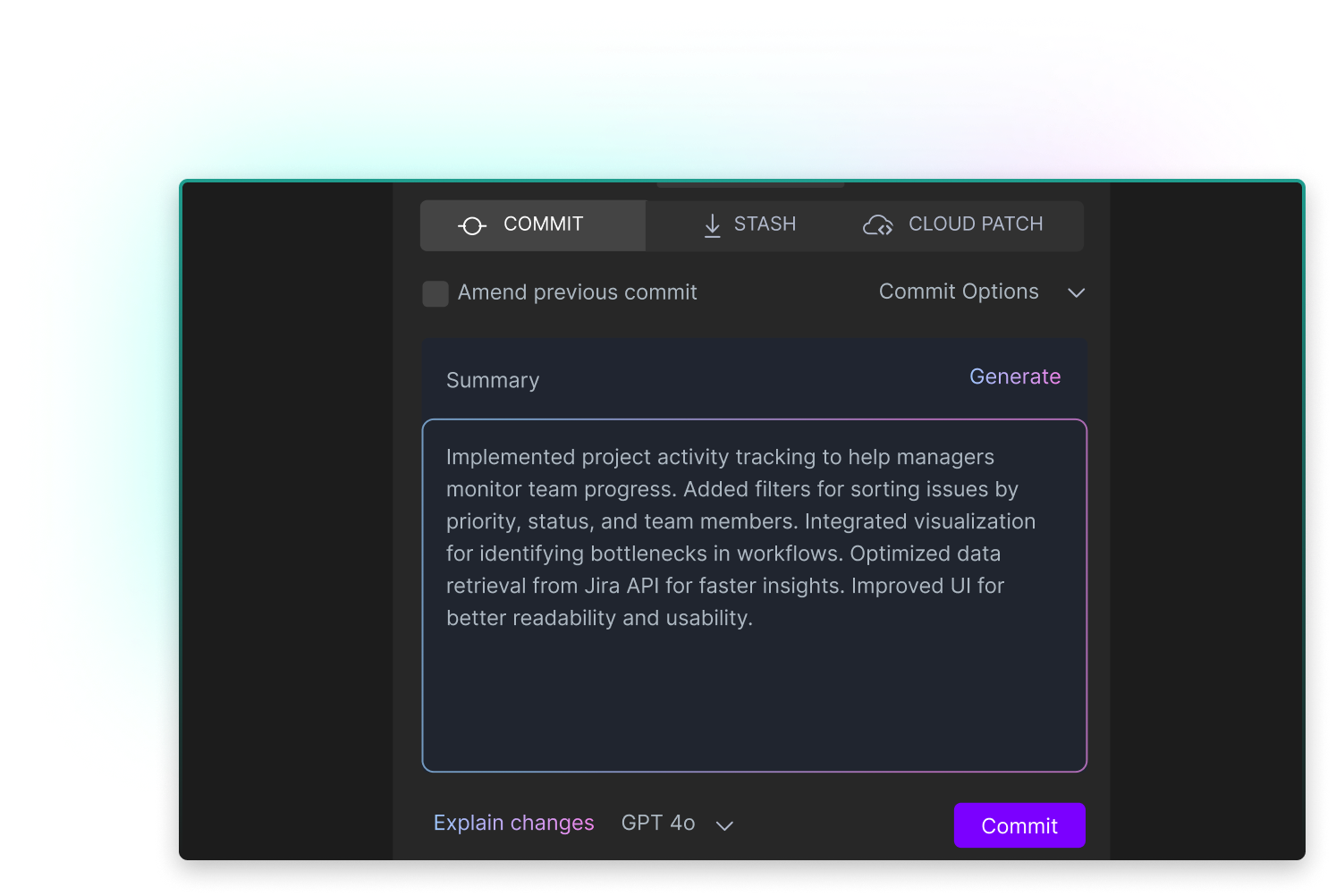
Skip the busywork. Auto-generate commit messages, PR titles, stash notes, and changelogs with a click.
Screenshot from GitLens showing AI-assisted commit message generation. The commit summary describes added features like project activity tracking, filters for sorting issues, workflow visualizations, optimized Jira data retrieval, and UI improvements. A “Generate” button and the GPT-4o model selector appear above a “Commit” button at the bottom.
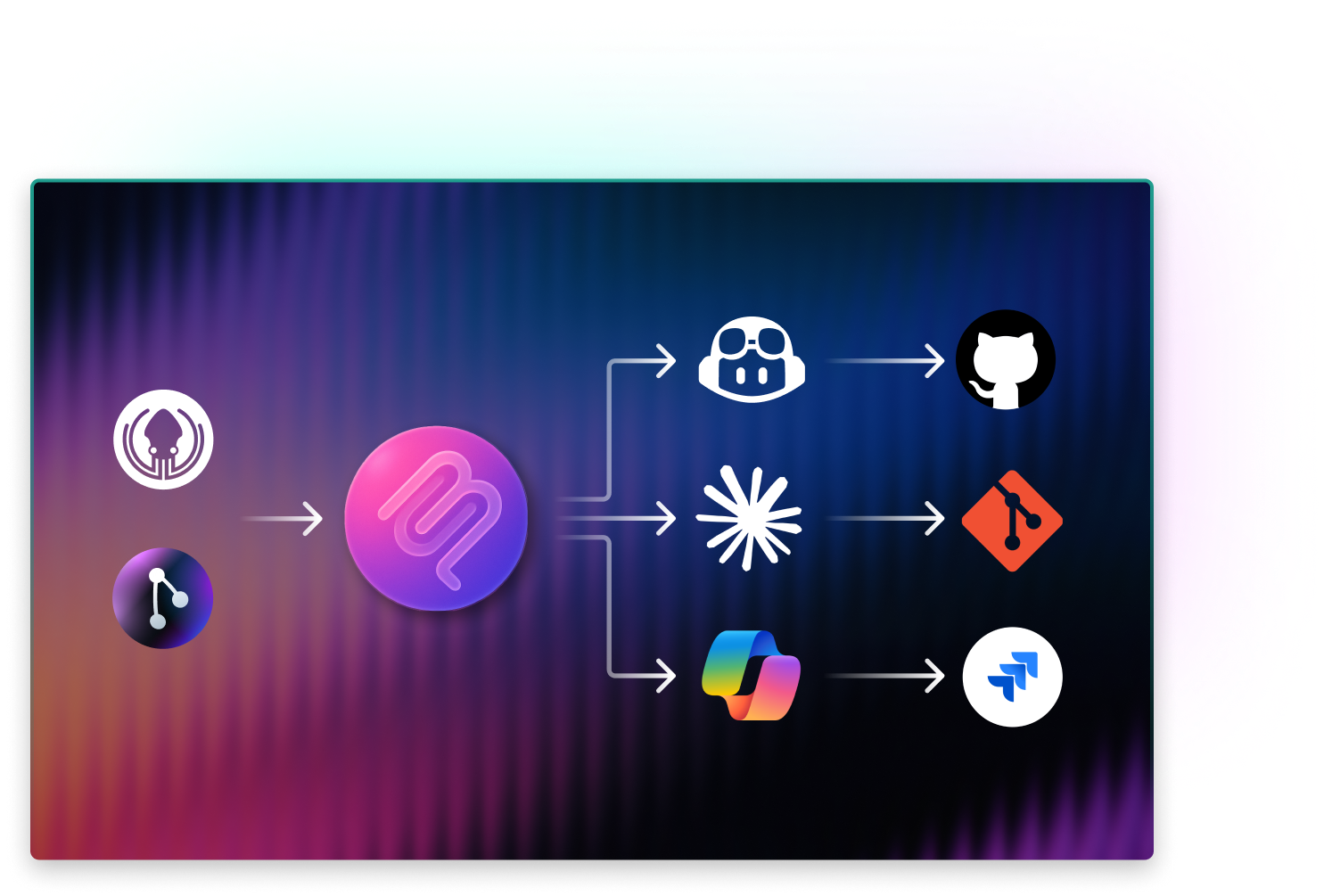
Diagram showing GitKraken Desktop and GitLens icons pointing to the GitKraken MCP (Merge Control Plane) server icon in the center. From there, three arrows branch out: one path leads to GitHub Copilot and GitHub icons, another to an AI spark icon and a Git icon, and the third to a multicolored integration icon and the Jira logo—illustrating centralized AI-powered Git operations and integrations via MCP.

MCP Server

Your AI assistants just got smarter. Connect GitKraken CLI to Copilot, Cursor, Windsurf, Claude and more to give them full repo context.

AI Provider Flexibility

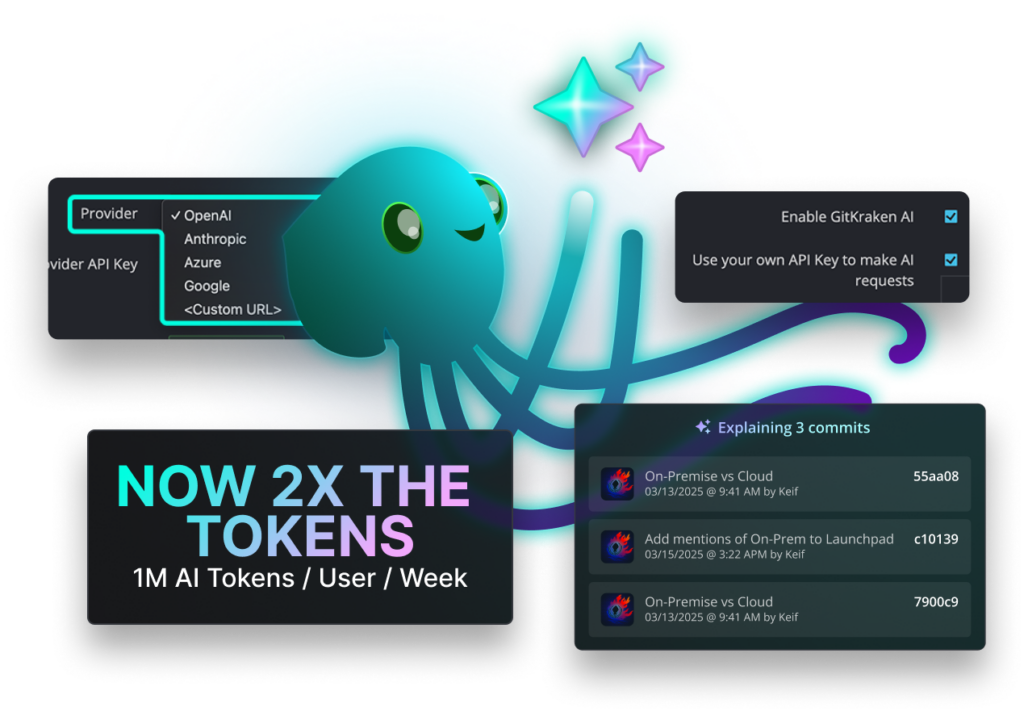
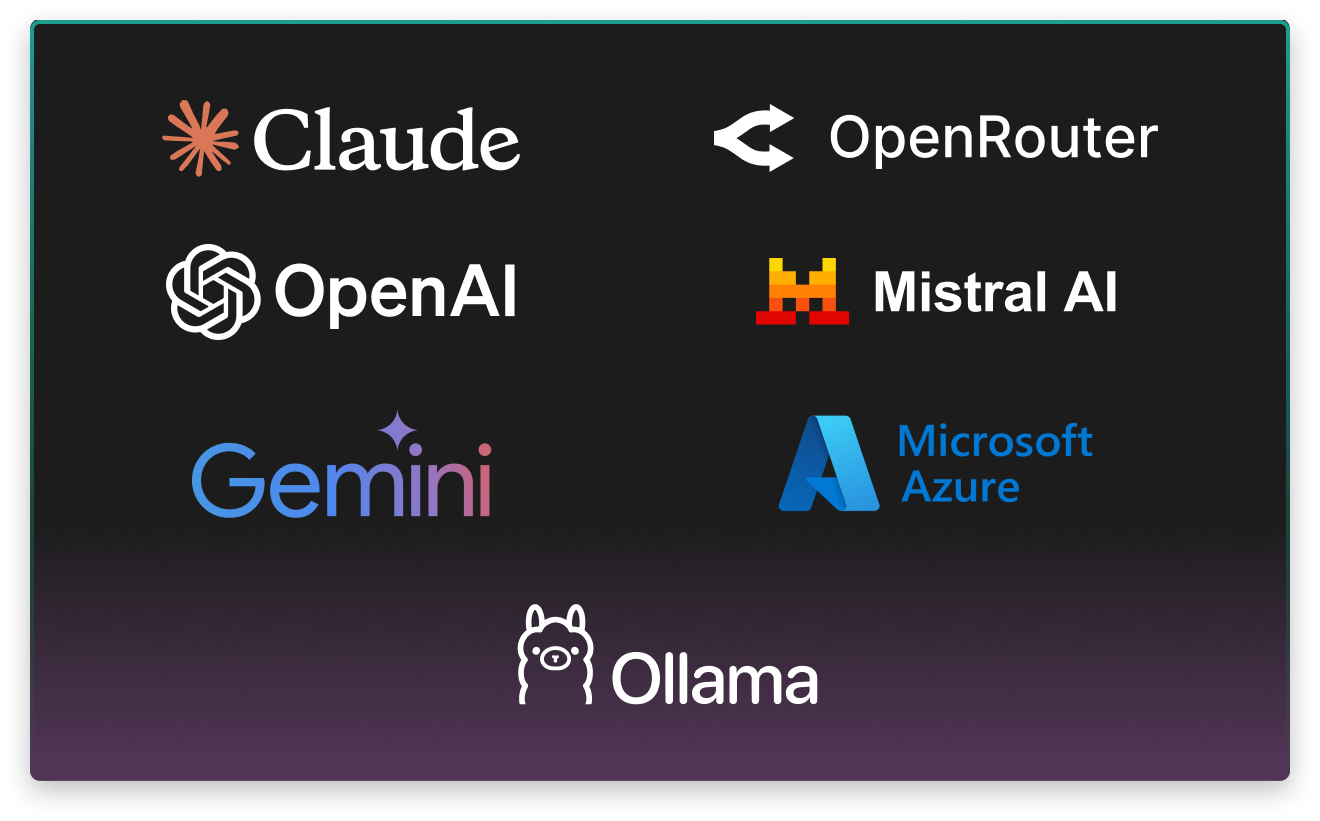
Use the models you trust. Choose from OpenAI, Claude, Gemini, Mistral, Ollama, or bring your own custom API keys.
Logos of supported AI providers displayed on a dark gradient background: Claude, OpenRouter, OpenAI, Mistral AI, Gemini, Microsoft Azure, and Ollama—highlighting GitKraken’s flexibility in integrating with multiple AI platforms.

GitKraken AI Is available where you do your best git work

GitKraken Desktop
Launchpad serves as your morning hub to kick off commits, branches, and merges
GitLens for IDEs
Access Launchpad via command palette in VS Code and other IDEs for in-editor context
GitKraken CLI
Bring Launchpad visibility directly into your terminal for speedy triage
Issue Trackers
Works with GitHub, GitLab, Jira, Trello, Azure DevOps—filter by labels, sprints, milestones

Ready to centralize your Git workflow?

GitKraken AI works inside GitKraken Desktop, GitLens, and the GitKraken CLI so you can start your day with clarity and control.

This is just one pillar of our DevEx platform

Explore other GitKraken tools that help devs and dev leaders to Git efficiently and intelligently, so they can focus on what matters most.
Automations
AutomationsIncrease consistency across teams
Go To Automations →
Cloud Patches
Cloud PatchesShare early, merge swiftly
Go To Cloud Patches →
Codemaps
CodemapsVisualize your code
Go To Codemaps →
Code Suggest
Code SuggestFaster reviews, fewer restrictions
Go To Code Suggest →
Launchpad
LaunchpadFOne view, zero distractions
Go To Launchpad →
Security Controls
Security ControlsEnsure team security & compliance
Go To Security Controls →
Insights
InsightsBuild smarter, ship faster
Go To Insights →
Merge Tool
Merge ToolMerge conflicts, disarmed
Go To Merge Tools →

Frequently Asked Questions

GitKraken AI is available in GitKraken Desktop, GitLens for VS Code, and the GitKraken CLI. It’s also integrated through GitKraken MCP, which lets you bring AI capabilities into AI Chat assistants like Copilot, Cursor, Windsurf, Claude, and more.

GitKraken AI is included for all GitKraken users. Some advanced AI features may require GitLens Pro for private repositories, but core functionality is available across GitKraken products.

Yes. You’re not locked into a single provider. GitKraken AI supports multiple providers (OpenAI, Google Gemini, Anthropic Claude, Mistral, Ollama, Azure, and more), and you can bring your own API keys to use the models you trust.

When conflicts occur, GitKraken AI analyzes the branch history and provides suggested resolutions. It explains the conflicting changes in plain language and highlights options, so you can quickly resolve conflicts while staying in control.

Yes. GitKraken AI is designed with enterprise use in mind. You have full control over which providers and keys are used, and organizations can enforce policies for transparency, predictability, and compliance.