Secure cloud-backed services that span across all products in the DevEx platform to keep your workflows connected across projects, repos, and team members
Launchpad – All your PRs, issues, & tasks in one spot to kick off a focused, unblocked day.Code Suggest – Real code suggestions anywhere in your project, as simple as in Google Docs.Cloud Patches – Speed up PR reviews by enabling early collaboration on work-in-progress.Workspaces – Group & sync repos to simplify multi-repo actions, & get new devs coding faster.DORA Insights – Data-driven code insights to track & improve development velocity.Security & Admin – Easily set up SSO, manage access, & streamline IdP integrations.


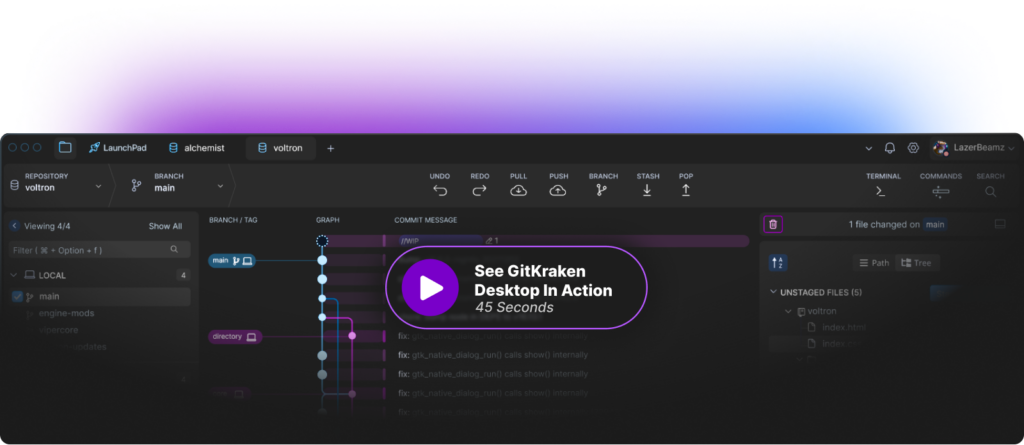
 GitKraken Desktop
 GitLens for IDEs
  Kepler
 GitKraken MCP
 GitKraken CLI
 GitKraken Insights
 Git Integration for Jira
 Dev Team Automations
 AI & Security Controls
 Supercharge Your Dev Team
  Secure Your Dev Team















 Add to Chrome
 Add to Firefox
 Add to Microsoft Edge