

 GitKraken Desktop
 GitLens for IDEs
  Kepler
 GitKraken MCP
 GitKraken CLI
 GitKraken Insights
 Git Integration for Jira
 Dev Team Automations
 AI & Security Controls
 Supercharge Your Dev Team
  Secure Your Dev Team

You’ve probably used AI earlier today. Maybe you asked it to debug a function, generate a test case, or explain a legacy codebase you just inherited.
But here’s the thing: you didn’t just type a question and get an answer. You explained your problem, shared background context, pasted code snippets, clarified what you meant, then refined the output until it was actually useful.
In other words, you were context engineering. Deciding what information matters, structuring it properly, and making it actionable so AI can help you better.
Most developers are doing this alone, which means the productivity gains stay isolated. Individual wins don’t compound. They don’t scale.
But what if your entire team context engineered together?
The Problem with Individual AI Adoption
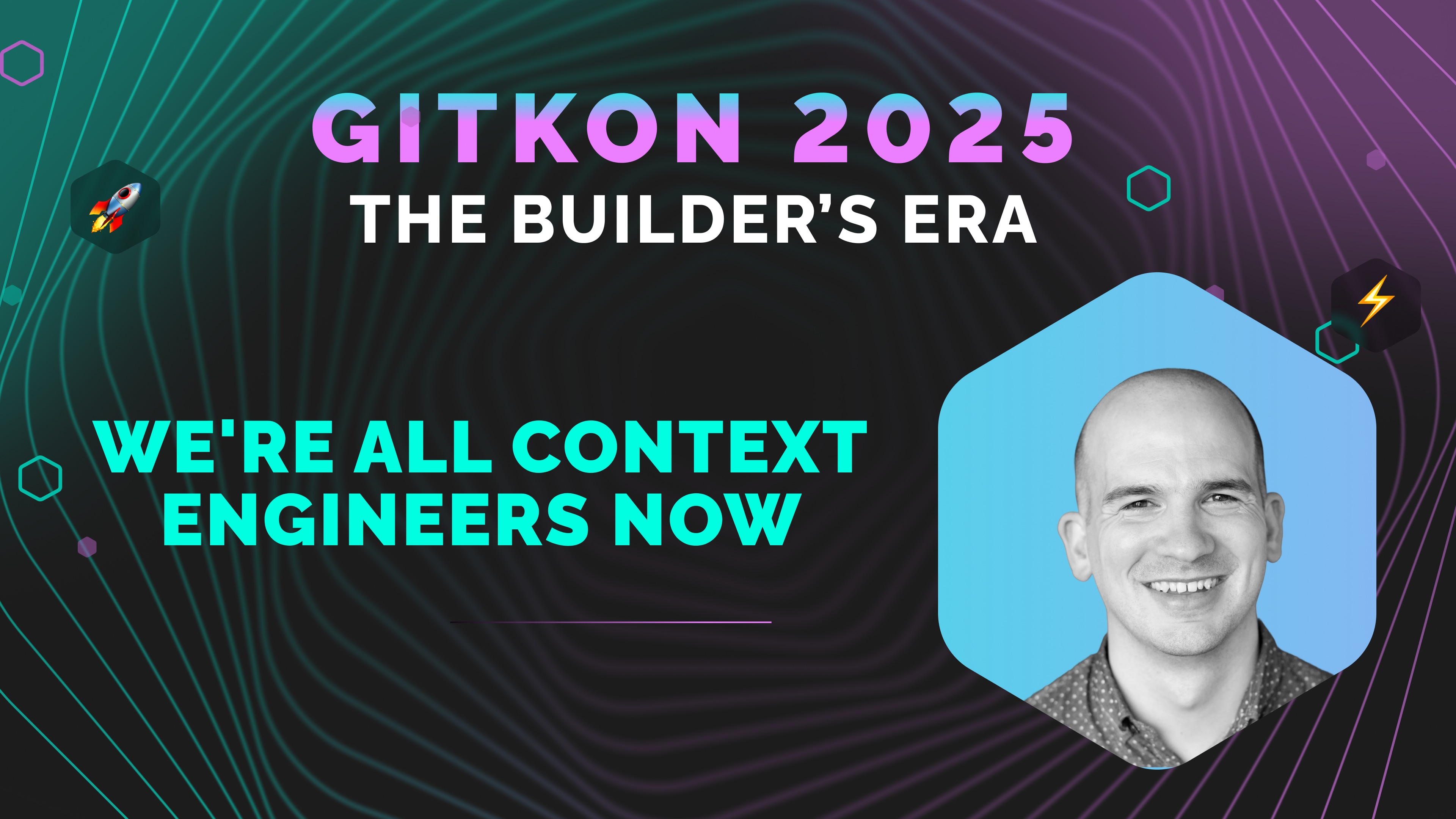
At GitKon 2025, Chris Geoghegan, VP of Product at Zapier, broke down why individual AI productivity gains aren’t transforming companies at the rate we’d expect.
His thesis: Individual AI adoption gets you individual gains. Team context engineering gets you real transformation.
Think about it. Your senior developers might be 2x faster with AI-powered code completion. That’s great. But your company isn’t 2x faster because of a hidden tax: context bleeding.
Every time work moves between people, context gets lost. Decisions get relitigated. Understanding evaporates. A feature that should take days gets stretched to weeks because of handoffs between roles, teams, and tools.
Sound familiar?
Geoghegan spent nine years at Zapier watching this play out. He saw developers assembling context manually, every single time they needed AI to help. Custom prompts, personal workflows, individual productivity hacks that lived in someone’s head, not the company’s knowledge base.
The breakthrough? Stop acting like solo developers. Start acting like architects building shared context.
The Three Mindset Shifts
Here are the three practical shifts Zapier made to move from individual AI gains to team-level transformation.
Shift 1: Think About Your Business Like It’s Code
Not just the software you ship. Everything.
Your business processes. Your strategy. Your org chart. Your interview questions. Your onboarding workflows.
What if all of that lived in version-controlled, AI-readable files?
Geoghegan demonstrated this live at GitKon using Cursor (a development environment with robust context management). But here’s the insight that matters: Cursor isn’t just useful for software. It’s useful for any domain that can be expressed as text.
Here’s how Zapier structures it:
- README files that describe each project’s goals and context
- Cursor rules that define how the AI agent should behave as the team’s copilot
- Git repos for everything: hiring practices, strategy docs, design principles, meeting notes
Each folder can be its own Git repo, shared with the appropriate people. Every time someone adds a new process or updates a best practice, the entire team’s context gets better.
The result? When Geoghegan typed a single sentence into Cursor—”Write a PRD for the Zapier and GitKraken integration”—the AI didn’t need hand-holding. It searched company strategy documents, existing PRD templates, his current priorities, even his GitKon presentation notes.

It generated a complete, on-brand product requirements document. No context pasting. No prompt engineering gymnastics. Just one sentence.
Why this matters for your team: Imagine onboarding a new developer tomorrow. What would you have them read? Who would they meet? What examples would you show them?
Now imagine all of that context lived in Git repos, constantly improving because your teammates are adding to it. That’s when AI becomes genuinely multiplicative instead of just making individuals slightly faster.
Shift 2: Blur the Boundaries Between Roles
Here’s the uncomfortable truth Geoghegan shared: The barriers that keep non-engineers from shipping code are the same barriers blocking AI from real impact.
Let’s run a thought experiment. A non-engineer at your company spots a typo in your software. Three words on a button. They want to fix it themselves.
How long would that take? What barriers would they hit? How many people would need to be involved?
In many companies, that would take days, multiple approvals, and a lot of process friction.
Now here’s the kicker: if you’re worried about non-engineers shipping code, you should be equally worried about AI shipping code. Both need the same guardrails. Both expose the same process gaps.
At Zapier, designers are prototyping working code faster than they design in Figma. They’re using tools like Cursor to create functional prototypes that are far more robust than static mockups.
What does that tell you? The boundaries between roles are dissolving, whether we’re ready for it or not.
The question isn’t “should we let this happen?” The question is: What systems do we need so capable people (or AI) can contribute safely?
Here’s your litmus test: Find your easiest engineering task. Make it doable by a motivated non-engineer with AI assistance.
If you can’t, you’ve found your bottleneck. Because what’s hard for entry-level engineers is also going to be hard for AI. Fix one, fix both.
Shift 3: Make AI Proactive, Not Just Reactive
Most of us interact with AI through chat. I ask, AI responds. I clarify, AI responds again.
Chat is reactive. But humans aren’t purely reactive. We’re proactive. We see problems and fix them without being asked. We notice patterns and act on them.
So how do we make AI more proactive?
Triggers.
Triggers let AI watch for specific events and then wake up to do work on your behalf:
- A merge request gets opened
- A Slack conversation gets flagged with a specific emoji
- A support ticket comes in
- A user interview recording finishes
The AI doesn’t wait for you to ask. It just does the work.
Geoghegan demonstrated this with a Zapier agent that monitors a Slack channel for product feedback. When someone posts a feature request, the agent:
- Reads the Slack message
- Analyzes it against the company’s strategy documents
- Categorizes the request by reach, impact, and strategic alignment
- Sends an email summary with recommendations
All without anyone touching a keyboard.

This is where context as code really pays off. When your processes and knowledge are structured and accessible (whether in Git repos or connected through tools like Zapier’s MCP servers), AI can act on them autonomously.
Your task this week: Identify one manual task that happens after every meeting or milestone. Automate it. That’s your entry point into proactive AI.
Connecting the Dots: Why This Matters for Dev Teams
The biggest productivity gains from AI don’t come from individuals using AI better. They come when the entire team shares context and eliminates handoffs.
Here’s what that looks like in practice:
Before: A developer spends 30 minutes explaining project context to AI, writes some code, then hands it off to QA. QA has to rebuild context. Then it goes to product for review. They rebuild context again. Then back to the developer for changes. More context rebuilding.
After: The project context lives in a shared Git repo. AI has access to it. QA has access to it. Product has access to it. Everyone’s working from the same source of truth. Handoffs still happen, but context doesn’t bleed at every transition.
The compounding effect is massive.
Three Concrete Actions You Can Take This Week
Ready to move from individual AI gains to team transformation? Start here:
1. Create a Git repo for your team’s copilot
Start with a single README describing your team or a key process. Add a Cursor rule that describes how you want an AI agent to work as your team’s copilot. Share it with your team and start contributing.
2. Remove one bottleneck for non-engineers
Find an engineering task that anybody should be able to do (fixing a typo, updating documentation, tweaking copy). Remove one barrier that makes it hard for a non-engineer to complete it. You’ll fix your AI bottleneck at the same time.
3. Set up one proactive agent
Use tools like Zapier to create an agent that does something for you without asking. Start simple: auto-triage Slack messages, summarize meeting notes, or flag high-priority support tickets.
You may not transform your entire company overnight, but you’ll start seeing what’s possible when context engineering becomes a team sport.
The Bottom Line
We’re all context engineers now. The question is whether you’re doing it individually or as a team.
Individual AI adoption gives you individual gains. Your developers might be 2x faster. That’s genuinely helpful.
But team context engineering gives you real transformation. That’s when your entire company shares context, when it’s version-controlled and AI-accessible, when handoffs stop being context bleeding points.
That’s when the real compounding effects of AI happen.
Want to see how GitKraken can help your team share context more effectively? Our visual Git client makes collaboration seamless, whether you’re managing merge conflicts, coordinating across branches, or integrating with your entire development workflow. Try GitKraken free
This post was inspired by Chris Geoghegan’s GitKon 2025 session, “Context Engineering: Team AI Adoption That Actually Scales.” Chris is VP of Product at Zapier, where he leads product design and research for a fully remote team of 800+ people across the globe.




 Add to Chrome
 Add to Firefox
 Add to Microsoft Edge